07. Adding markers on long click
L4 A06 Adding Markers On Long Click
Reference Documentation
Add markers on long click
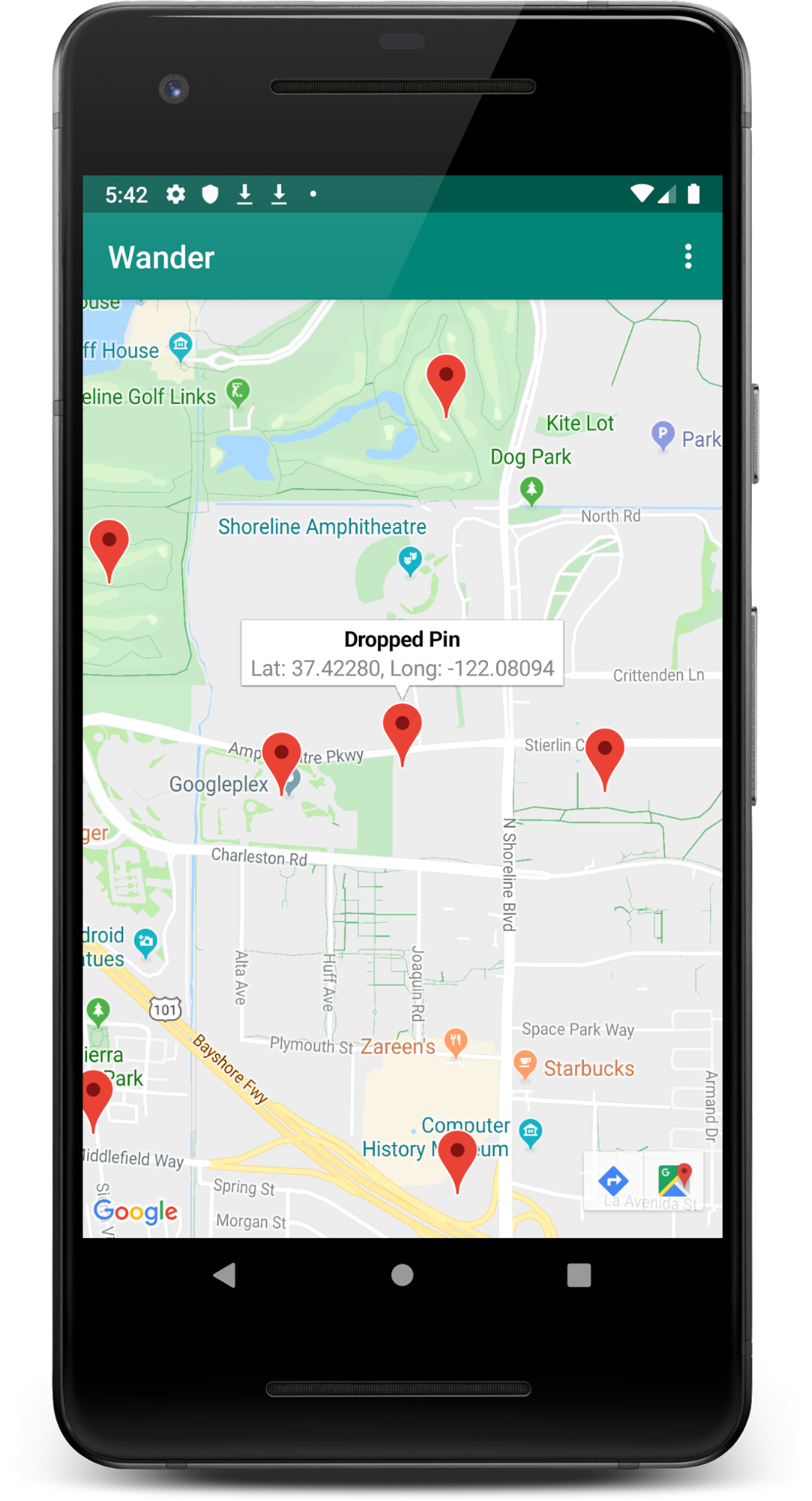
In this step, you add a marker when the user touches and holds a location on the map. You will then add an InfoWindow that displays the coordinates of the marker when the marker is tapped.
- Create a method stub in
MapsActivitycalledsetMapLongClick()that takes aGoogleMapas an argument. Attach a long click listener to the map object.
private fun setMapLongClick(map:GoogleMap) {
   map.setOnMapLongClickListener { }
}- Inside
onMapLongClick(), call theaddMarker()method. Pass in a newMarkerOptionsobject with the position set to the passed-inLatLng:
private fun setMapLongClick(map: GoogleMap) {
   map.setOnMapLongClickListener { latLng ->
       map.addMarker(
           MarkerOptions()
               .position(latLng)
       )
   }
}- At the end of the
onMapReady()method, calletMapLongClick(). Pass inmap.
override fun onMapReady(googleMap: GoogleMap) {
   …

   setMapLongClick(map)
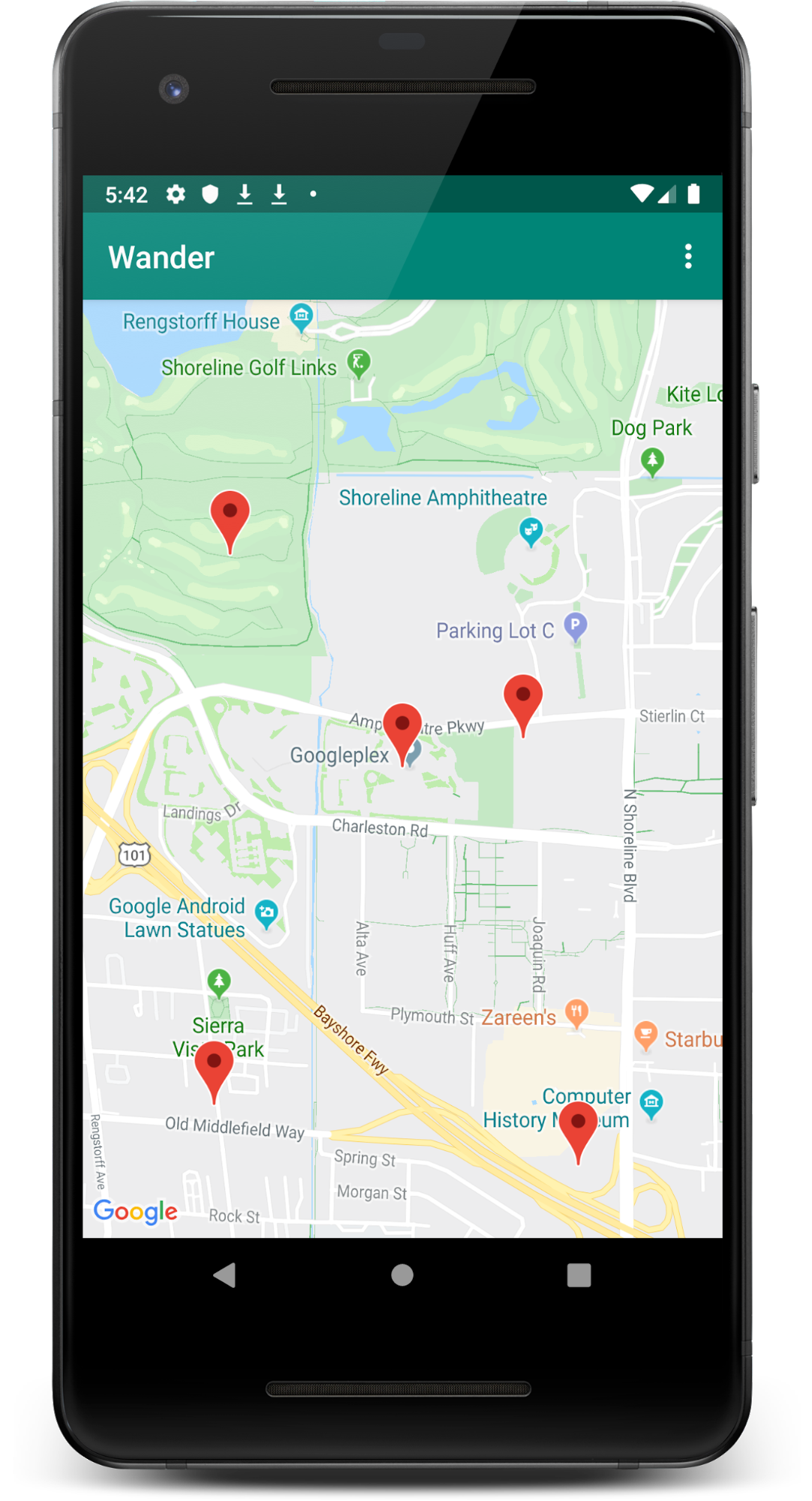
}- Run the app. Touch and hold on the map to place a marker at a location. Tap the marker, which centers it on the screen.
When a marker is tapped, navigation buttons appear at the bottom-left side of the screen, allowing the user to use the Google Maps app to navigate to the marked position.
Add an info window for the marker:
- In
setMapLongClick()’ssetOnMapLongClickListener()lambda, create a snippet. A snippet is additional text that is displayed below the title. In your case the snippet displays the latitude and longitude of a marker.
private fun setMapLongClick(map: GoogleMap) {
   map.setOnMapLongClickListener { latLng ->
       // A Snippet is Additional text that's displayed below the title.
       val snippet = String.format(
           Locale.getDefault(),
           "Lat: %1$.5f, Long: %2$.5f",
           latLng.latitude,
           latLng.longitude
       )
       map.addMarker(
           MarkerOptions()
               .position(latLng)
       )
   }
}- Set the title of the marker to “Dropped Pin” and set the marker’s snippet to the snippet you just created.
private fun setMapLongClick(map: GoogleMap) {
   map.setOnMapLongClickListener { latLng ->
       // A Snippet is Additional text that's displayed below the title.
       val snippet = String.format(
           Locale.getDefault(),
           "Lat: %1$.5f, Long: %2$.5f",
           latLng.latitude,
           latLng.longitude
       )
       map.addMarker(
           MarkerOptions()
               .position(latLng)
               .title(getString(R.string.dropped_pin))
               .snippet(snippet)

       )
   }
}- Run the app. Touch and hold on the map to drop a location marker. Tap the marker to show the info window.